On almost every power station, "UPS mode" is really an EPS: when the grid drops, the outlets switch to battery after a gap of about 10 to 30 milliseconds instead of staying on continuously. That gap is invisible to routers, lights, fridges and usually CPAP machines. Desktop PCs are fine at 10 ms or less and marginal at 20 to 30 ms. Servers and workstations need a true 0 ms online mode, which only a couple of large units offer, or a dedicated UPS.
As an Amazon Associate, RightSizePower earns from qualifying purchases. That never changes how models are ranked. How we recommend
What do UPS, EPS and pass-through actually mean?
- Pass-through (bypass): the station is plugged into the wall, wall power feeds the outlets directly and the battery charges. Output is limited by the wall circuit: Anker lists 1,800 W for the C2000 Gen 2 in bypass. Boost modes don't work in bypass.
- EPS, or standby switchover: when wall power fails, the station switches the outlets to its inverter. The switch takes milliseconds, and the spec sheet number is that gap. This is what most stations mean by "UPS".
- Online (double-conversion) UPS: the load always runs from the inverter, so there's nothing to switch and no gap. Vertiv describes this as zero transfer time, against a 4 to 6 ms break for a line-interactive desktop UPS.
Manufacturers say the difference plainly. EcoFlow's DELTA 2 manual says it switches "within 30ms" and "does not support 0ms switching", and not to connect devices that need it, such as data servers and workstations. Jackery's Explorer 1000 v2 manual says the same at 20 ms. BLUETTI's warranty excludes damage from using its stations with devices that need a high-performance UPS, including data servers, workstations and medical equipment.
Which devices care about the gap?
Guidance for a 10 to 30 ms switchover, not a guarantee. Your own device's power supply decides.
| Device | With a 10–30 ms gap | Why |
|---|---|---|
| Desktop PC | Usually fine at 10 ms or less; marginal at 20 to 30 ms | Desktop power supplies are commonly specified to ride through about 16 to 17 ms at full load; a lightly loaded one holds up longer. |
| NAS, servers, workstations | Don't rely on it | EcoFlow, Jackery and BLUETTI manuals say not to use their switchover for these. Use a real UPS or a 0 ms online mode. |
| Wi-Fi router and modem | Generally fine | A long gap can make the router reboot, which takes a few minutes. |
| Laptop on its charger | Fine | The laptop's own battery covers the gap. |
| CPAP | Usually rides through | Not a medical certification: makers don't recommend their stations for life-critical equipment. |
| Fridge, freezer, sump pump | Ride through; the motor may restart | The restart surge on switchover is the real check: compare it with the surge rating. |
| Lights, TV, fans | Generally fine | A TV may blink off and on. |
Which power stations switch fastest?
Current models by the switchover time the maker publishes. 24 of the 42 we track list 10 ms or less. Our quiz treats 20 ms or less as a UPS.
| Published switchover | Models |
|---|---|
| 0 ms online mode | Bluetti Apex 300, Jackery Explorer 5000 Plus |
| 10 ms or less | EcoFlow RIVER 3 Plus, Anker SOLIX C300, Bluetti Elite 30 V2, EcoFlow RIVER 3 Max, Anker SOLIX C1000 Gen 2, Bluetti Elite 100 V2, DJI Power 1000 V2, EcoFlow DELTA 3, EcoFlow DELTA 3 Classic, EcoFlow DELTA 3 Plus, Jackery HomePower 1000 Plus v2, Anker SOLIX S2000, Anker SOLIX C2000 Gen 2, DJI Power 2000, EcoFlow DELTA 3 Max, EcoFlow DELTA 3 Max Plus, Jackery HomePower 2000 Plus v2, Bluetti Elite 300, EcoFlow DELTA 3 Ultra Plus, Jackery HomePower 3600 Plus, Jackery HomePower 3600 Pro Max, EcoFlow DELTA Pro 3 |
| 15 ms or less | Bluetti Elite 200 V2, Bluetti Elite 400 |
| 20 ms or less | EcoFlow RIVER 3, Jackery Explorer 500 v2, Anker SOLIX C800X / C800 Plus, Jackery Explorer 1000 v2, OUPES Mega 1, Anker SOLIX C1000 (Gen 1), Bluetti AC180, Jackery Explorer 1500 Ultra, Jackery Explorer 2000 v2, Anker SOLIX F3000, Jackery HomePower 3000, Anker SOLIX F3800 Plus |
| 30 ms or less | EcoFlow RIVER 2 Pro, EcoFlow DELTA 2, EcoFlow DELTA Pro |
| Not published | Jackery Explorer 300 |
From each maker's spec page or manual. "Not published" means our catalog has no confirmed switchover figure yet. See every spec in the comparison chart.
Is the published number what you actually get?
Not always. StorageReview timed several units in October 2023 with a workstation at idle: a Jackery Explorer 2000 Plus switched in 8.7 ms, close to a dedicated Eaton UPS at 8.6 ms, while an EcoFlow DELTA 2 took about 38.5 ms against its 30 ms spec. Gough Lui found the original DJI Power 1000 under 10 ms when loaded but about 37 ms with no load. Firmware updates can change results, so treat the spec as a starting point and test your own setup by unplugging the station from the wall while your devices run.
Which models have a real 0 ms online mode?
Of the current models we track, two list one:
- Jackery Explorer 5000 Plus: 0 ms online mode or a 20 ms backup mode. Online mode works only on the NEMA 5-20 outlets, up to 3,600 W, and the unit returns to backup mode after a restart, so check it after any shutdown.
- Bluetti Apex 300: a 0 ms online mode or a 20 ms mode.
Both are large home-backup units. For a single computer or a small network rack, a dedicated desktop UPS is the simpler way to get a near-zero gap, with a power station behind it for runtime.
Does UPS mode limit how much you can plug in?
On some models, yes. These makers state a lower output in UPS mode than the unit's normal rating:
| Model | Normal continuous | In UPS mode |
|---|---|---|
| Jackery Explorer 1500 Ultra | 1,800 W | 1,440 W |
| Jackery Explorer 2000 v2 | 2,200 W | 1,500 W |
| Jackery HomePower 3000 | 3,600 W | 1,440 W |
| Jackery HomePower 3600 Plus | 3,600 W | 1,440 W |
Plan the UPS load around the lower number. A fridge plus a chest freezer plus a desktop can fit a station's normal rating and still exceed its UPS-mode cap.
What else should you set before relying on it?
- Turn off ECO or auto-off mode. Some stations switch off their outlets when the load is small, which can cut a CPAP, router or fridge between cycles.
- Turn off grid-enhancement modes where the manual says so. BLUETTI says the AC180 takes longer to switch over with Grid Enhancement mode on.
- Update firmware with nothing critical plugged in. Some EcoFlow and Anker owners report the AC output switching off during updates.
- Mind the wall circuit. In pass-through, everything plugged in plus the charging current comes from one wall outlet.
A standards change is coming: the third edition of UL 2743, published in September 2025, adds UPS requirements for power stations with AC pass-through, effective September 24, 2027, according to Intertek.
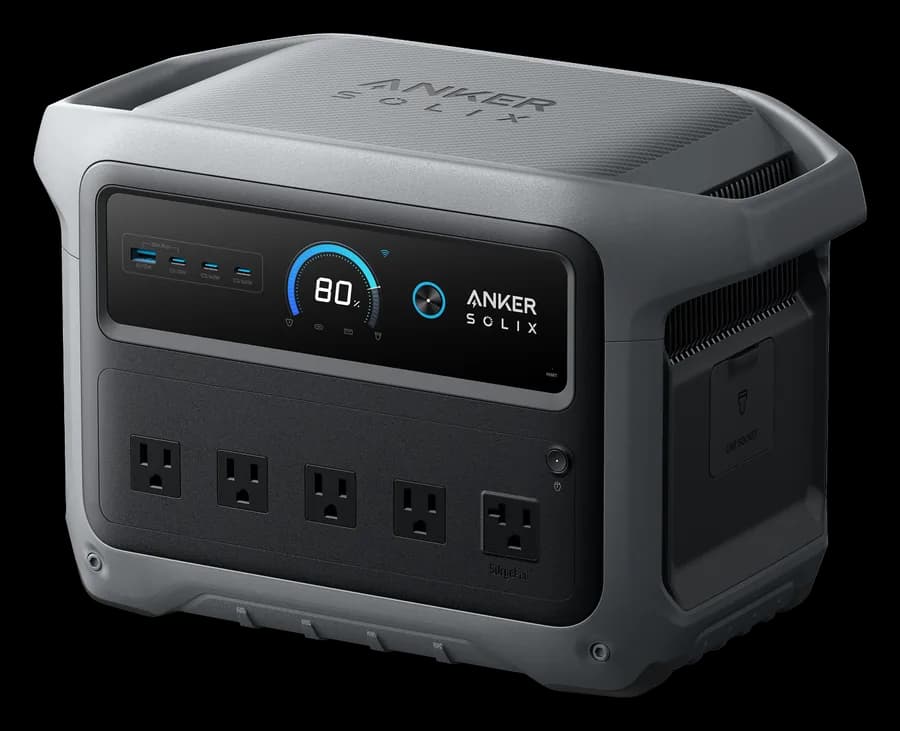
Anker SOLIX C1000 Gen 2
Lists a 10 ms switchover with 2,000 W continuous and 1,024 Wh at 24.9 lb: a home office or CPAP through most outages.
- Capacity
- 1,024 Wh
- Output
- 2,000 W
- Weight
- 24.9 lb
- UPS
- 10 ms
Paid link
Check price on Amazon
Jackery Explorer 5000 Plus
True 0 ms online mode on its 20 A outlets up to 3,600 W, with 5,040 Wh and 120/240 V output for home circuits through an electrician-installed transfer switch.
- Capacity
- 5,040 Wh
- Output
- 7,200 W
- Weight
- 134.5 lb
- UPS
- 0 ms
Paid link
Check price on AmazonWhich station gives you a fast switchover for your setup?
Every row requires a published switchover of 20 ms or less and runs our sizing engine on the devices listed. Open any row in the quiz to change them.
Desktop PC and router through one night
1.2 kWh/day · 10 h
Open this in the quiz and change the devices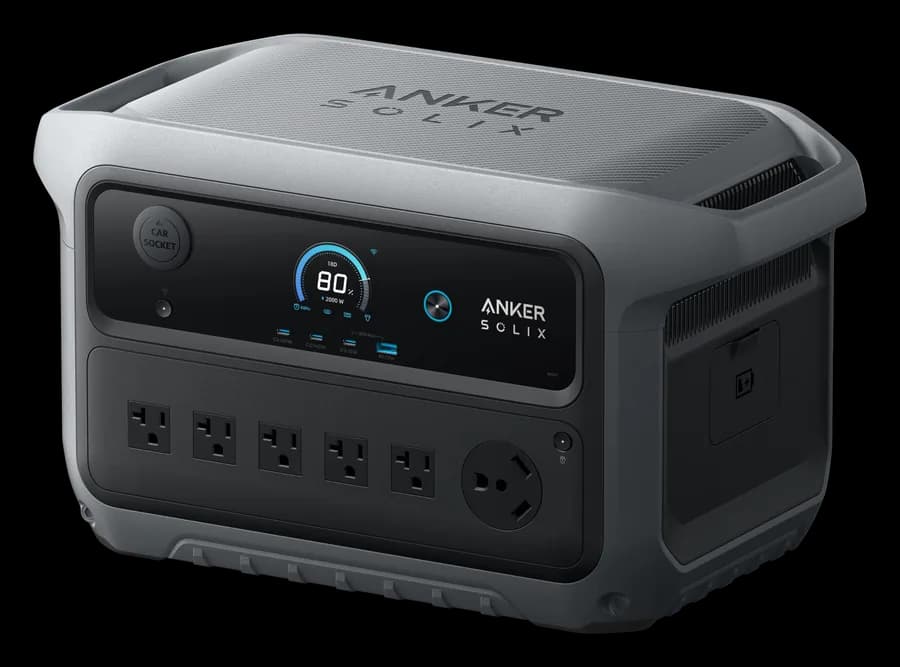
Engine's pick
Anker SOLIX C2000 Gen 2
About 14 h · also Anker SOLIX S2000, Jackery Explorer 2000 v2
Desktop PC and router for a full day
1.2 kWh/day · 24 h
Open this in the quiz and change the devices
Engine's pick
Bluetti Elite 200 V2
About 24 h · also Jackery HomePower 3000, Jackery HomePower 3600 Pro Max
CPAP with humidifier and router, one night
0.7 kWh/day · 10 h
Open this in the quiz and change the devicesEngine's pick
Anker SOLIX C1000 Gen 2
About 13 h · also EcoFlow DELTA 3, EcoFlow DELTA 3 Plus
Fridge and router, a full day
1.4 kWh/day · 24 h
Open this in the quiz and change the devices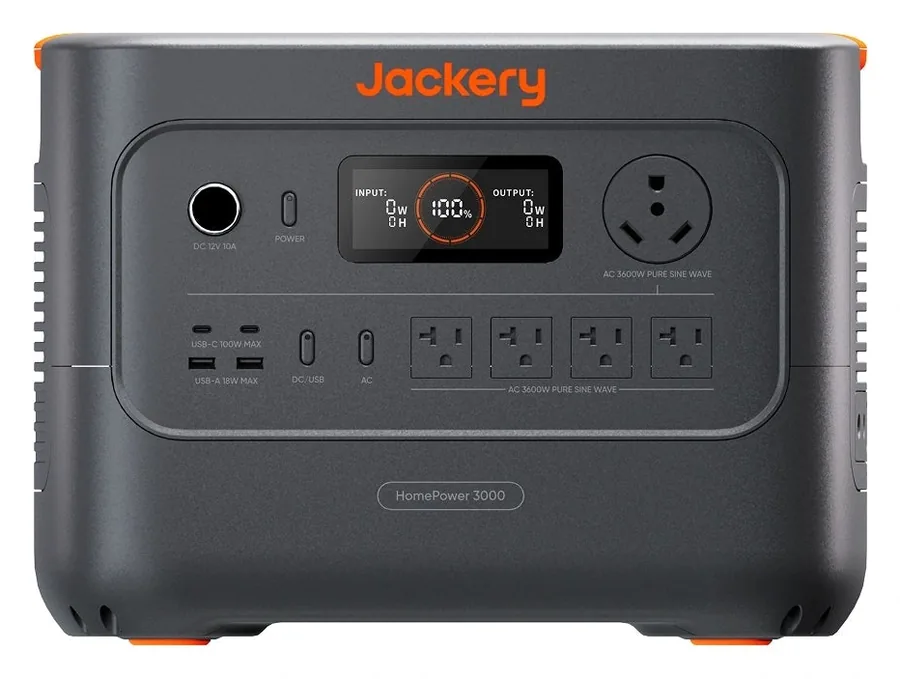
Engine's pick
Jackery HomePower 3000
About 33 h · also Jackery HomePower 3600 Pro Max, EcoFlow DELTA 3 Ultra Plus
Fridge, router and sump pump, two to three days
2.4 kWh/day · 3 days
Open this in the quiz and change the devices
Engine's pick
DJI Power 1000 V2
About 3.3 days with an extra battery · also DJI Power 2000, EcoFlow DELTA Pro 3
Picks come from the same engine as the quiz, recalculated whenever our catalog changes.
What people actually ask
What is the difference between UPS and EPS on a power station?
EPS (emergency power supply) means the station switches its outlets from wall power to its battery after a short gap when the grid drops, usually 10 to 30 milliseconds. A true online UPS runs the load from its inverter all the time, so there's no gap at all. Most power stations marketed with "UPS" mode work the EPS way.
Is 20 ms fast enough for a desktop computer?
Often, but not reliably. Desktop power supplies are commonly specified to ride through about 16 to 17 ms at full load, and a lightly loaded PC holds up longer. At 10 ms or less, most desktops carry on; at 20 to 30 ms, a busy gaming PC may reboot. For a PC you can't afford to lose, use a dedicated UPS or a 0 ms online mode.
Do I need UPS mode for a CPAP?
Only if the station sits between the wall and the CPAP so it takes over when the grid drops. CPAP machines usually ride through a 10 to 20 ms gap, but manufacturers don't recommend their stations for life-critical medical equipment. Turn off ECO or auto-off mode, and talk to your doctor or equipment supplier about your outage plan.
Which power stations have a true 0 ms UPS?
Among the current models we track, the Bluetti Apex 300 and the Jackery Explorer 5000 Plus list a 0 ms online mode. Jackery's works only on the Explorer 5000 Plus's 20 A outlets, up to 3,600 W, and returns to its standard backup mode after a restart.
Can I leave a power station plugged in all the time as a UPS?
That's how UPS mode works, and makers design for it. Check two limits first: some units cap output in UPS or bypass mode, for example 1,440 W on several Jackery models, and some owners report the AC output switching off during firmware updates, so update when nothing critical is plugged in.
The bottom line
Treat a power station's UPS figure as a switchover gap. At 10 ms or less it covers home offices, routers, CPAP machines and fridges; at 20 to 30 ms it covers everything but sensitive computers. For servers or workstations, use a true 0 ms online mode or a dedicated UPS, and check UPS-mode output caps before you plug in. The sizing quiz can require a fast switchover, and the runtime calculator shows how long your desk will last.
Sources (checked 2026-11-01)
- EcoFlow DELTA 2 user manual (switchover and 0 ms warning)
- Jackery Explorer 1000 v2 user manual
- Jackery Explorer 5000 Plus user manual (US)
- BLUETTI AC70P user manual (warranty exclusions)
- BLUETTI AC180 user manual (Grid Enhancement mode)
- Anker SOLIX C2000 Gen 2 manual (bypass and switchover)
- Bluetti Apex 300 user manual (US)
- Vertiv: UPS transfer time FAQ
- HWBusters: ATX 3.1 power supply hold-up time
- Gough Lui: DJI Power 1000 review (UPS switchover)
- StorageReview: portable power stations as a UPS (Oct 2023)
- Intertek: UL 2743 third edition notice